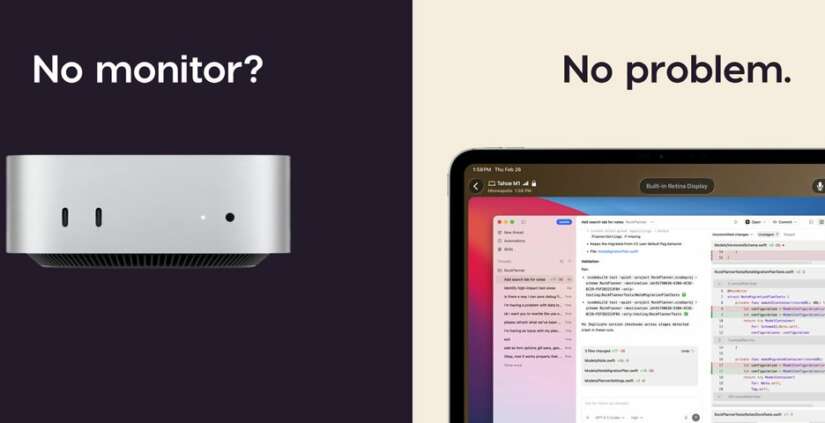
Remote software development allows programmers to work together from different locations. iOS teams can share ideas, solve coding problems, and develop mobile applications without sitting in the same office. Cloud Mac workstations provide a practical environment for this working style. Each team member can access a remote Mac through an internet connection and use development tools such as Xcode. Remote…

Developing an iOS application requires a reliable environment for writing code, building projects, and finding errors. Xcode provides useful tools for checking application behavior and identifying problems during development. A local computer can handle everyday coding tasks while a remote Mac Mini manages demanding build processes. This arrangement separates coding activities from compilation work. Learning to Debug iOS Apps in…
Developing an iOS application involves compiling, testing, and fixing. Each code change may trigger a new build before the application can run. Slow Xcode build times interrupt concentration and delay delivery. Apple Silicon cloud instances offer remote access to macOS and Xcode. The M4 platform provides strong performance for many development tasks. M6 cloud instances may offer another option…
Preparing an iOS application ona remote Mac involves more than installing Xcode. Each build must use the correct signing identity and provisioning settings before testing or distribution. Code Signing Certificates help confirm the developer identity attached to an application. A provisioning profile defines which signing identities, app identifiers, devices, and permissions are allowed for a particular purpose. Remote access…
Developing an iOS application requires a suitable macOS environment and the correct development tools. Xcode provides the tools needed to build, test, and prepare applications for Apple devices. The iOS Simulator allows developers to check application behaviour without using a physical iPhone for every test. An iOS Simulator on Cloud Mac provides access to this testing environment through a remote…
What Can You Actually Do With a Dedicated Server? (Save 20% Today) When people hear about dedicated server hosting, they often think dedicated servers only for big companies and it’s expensive, complex and unnecessary. But the reality? A dedicated server is one of the most powerful and flexible hosting solutions available today and it’s more accessible than ever. Promo Code:…
IDC vs ISP Dedicated Server: Which One Do You Actually Need? (Save 20% Today) Choosing the right server isn’t just about price — it’s about matching your infrastructure to your actual workload. If you’re searching for a Dedicated Server or a more affordable ISP Dedicated Server, you’ve probably noticed a huge difference in pricing. But what exactly are you paying…
Buying a Mac mini Still Worth It in 2026? Jump To… The Problem with Buying a Mac mini Let’s be honest. Buying a Mac mini in 2026 sounds like a “safe choice”… but it actually isn’t. 1. Hardware becomes outdated fast Apple’s chip upgrades are moving insanely fast from M1 (2020) → M2 → M3 → M4… and next is…
DNS Server Unresponsive [Comprehensive Handbook] In recent times, several challenges have emerged post updates related to IPv6 and server connectivity. One of these challenges is the well-known “DNS Server Not Responding” error. Our comprehensive guide below provides solutions to address this issue by adjusting your existing DNS settings. Prior to delving into DNS errors, it’s essential to gain an understanding…
The Top Antivirus Solutions for Linux Servers and Various Operating Systems in 2024 Numerous factors contribute to Linux being acclaimed as the optimal operating system for cybersecurity. Its efficiency, size, and robust community support make it a staunch advocate for open-source software. However, consistent across all platforms is the need for robust protection. So, what type of security measures should…