Xcode and Node.js Versions

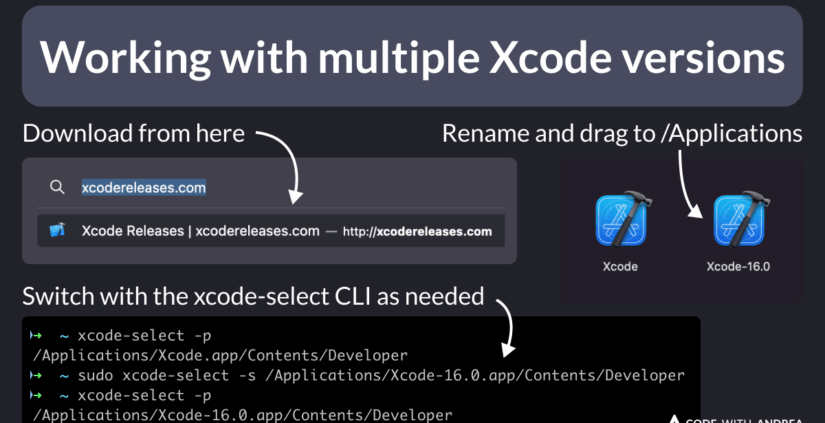
Managing Multiple Xcode and Node.js Versions on a Shared Team Mac Server

A shared Mac server provides a central environment for developers working on iOS, macOS, Flutter, and React Native projects. Several projects can require different development tools and software versions. Managing Xcode and Node.js Versions correctly helps prevent compatibility problems and keeps development work organised. Xcode provides tools for building, testing, and debugging Apple applications. Node.js supports JavaScript tools and development…
Multi-device testing

Multi-Device Testing Strategies Using Cloud-Hosted Apple Hardware

Mobile applications must work correctly across different devices and operating systems. Developers often use Flutter, React Native, and Unity to create applications for multiple platforms. Each platform can have different screen sizes, system features, and performance limits. Multi-device testing helps identify problems before an application reaches its users. Cloud-hosted Apple hardware provides access to real Mac computers and Apple development…

Progressive Web Apps

Testing Progressive Web Apps (PWAs) on iOS Simulators in the Cloud

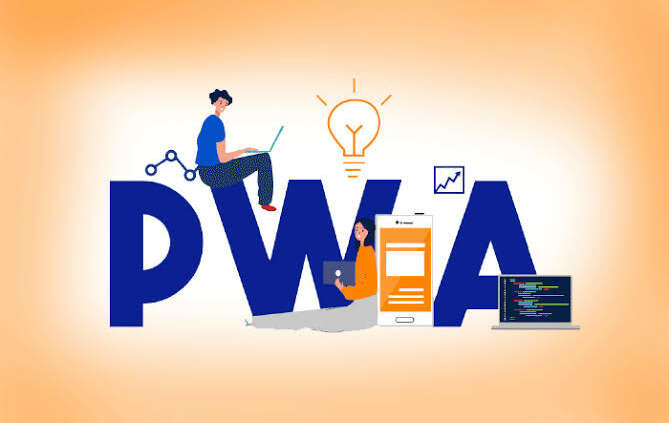
Progressive Web Apps (PWAs) combine website technology with features commonly found in mobile applications. These applications can provide responsive layouts, offline access, and installation options on supported devices. However, browser behavior can differ across operating systems. Testing on an iOS simulator helps developers identify problems before releasing a website to the public. Progressive Web Apps provide a flexible option for…

NET MAUI

NET MAUI Cross-Platform Development Workflow Using Remote macOS Servers

NET Multi-platform App UI, known as .NET MAUI, allows developers to create applications for Android, iOS, macOS, and Windows using a shared C# project. This approach reduces repeated development work. However, Apple application builds require macOS and Apple development tools. NET MAUI development with a remote Mac server provides access to these tools without requiring a dedicated Mac at every…

Electron Apps

How to Build Electron Apps for macOS on Cloud Apple Silicon Hardware

Electron supports desktop software built with familiar web technologies. HTML creates the interface, CSS controls its appearance, and JavaScript manages application behavior. However, a macOS release still requires a suitable Mac environment. Cloud Apple Silicon hardware provides access to a remote Mac without requiring a physical Mac for every developer. This setup supports the process of building, testing, signing, and…

CI/CD pipeline

Securing Your CI/CD Pipeline: Best Practices for Cloud Mac Server Access

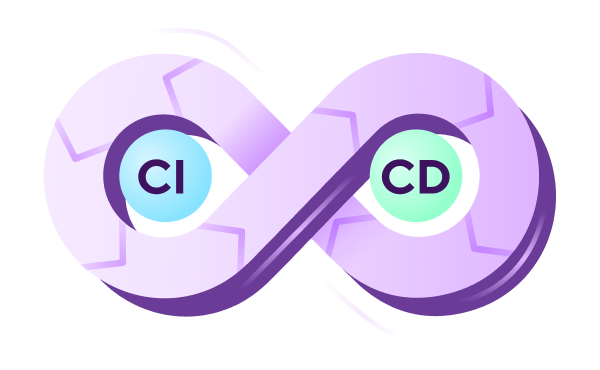
Modern software development depends on automated systems that build, test, and release applications. Cloud Mac servers support this process by providing remote macOS environments for development teams. These servers can run Xcode builds, automated tests, and application deployment tasks. However, remote access also creates security risks when access controls are weak. CI/CD pipeline security is important for protecting source code,…

Scaling Mac Build Infrastructure: When to Upgrade from 1 to 5 Cloud Mac Minis

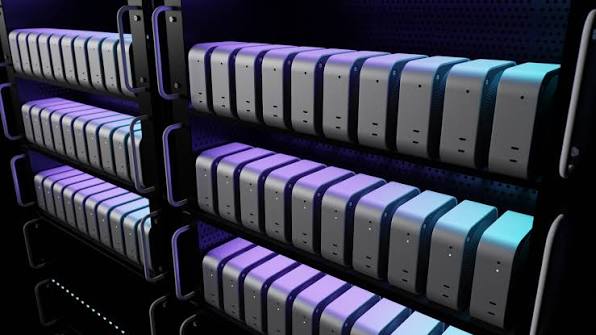
Mobile development projects often begin with a single Mac Mini for building and testing applications. This setup can support a small team with a limited number of daily changes. As projects grow, build requests increase and testing becomes more demanding. A single machine may struggle to complete every task within the required time. Mac build infrastructure becomes an important consideration…

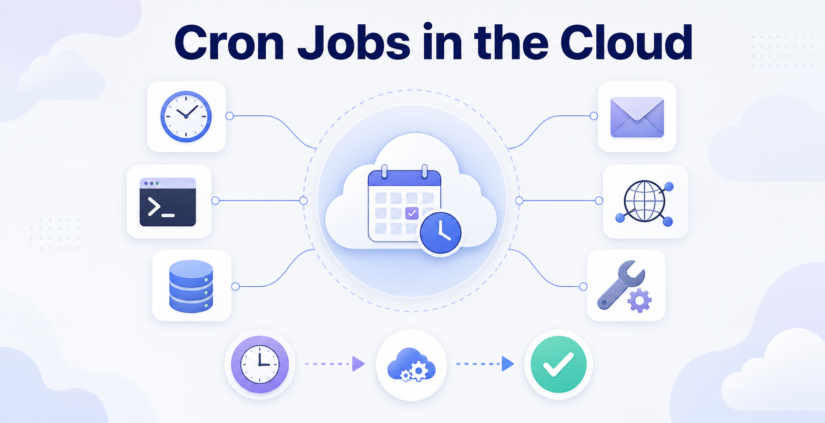
How to Configure Cron Jobs and 24/7 Background Automation on a Cloud Mac

Automated tasks help development teams manage regular work without starting every process manually. A Cloud Mac provides remote macOS resources for running development tools and scheduled activities. Cron Jobs are commonly used to schedule tasks at specific times. These tasks can include file backups, log checks, report generation, and project maintenance. Proper scheduling helps reduce repeated work and keeps development…

Mac CI/CD

Automated Code Quality and Static Analysis Checks in Mac CI/CD Pipelines

Software development requires regular checks to keep applications stable and reliable. Errors in source code can cause failed builds, security problems, and unexpected application behavior. Manual code reviews are useful, but manual checking alone can take a long time. Automated testing and static analysis help developers identify problems before an application reaches production. Mac CI/CD checks support this process by…

Cloud macOS

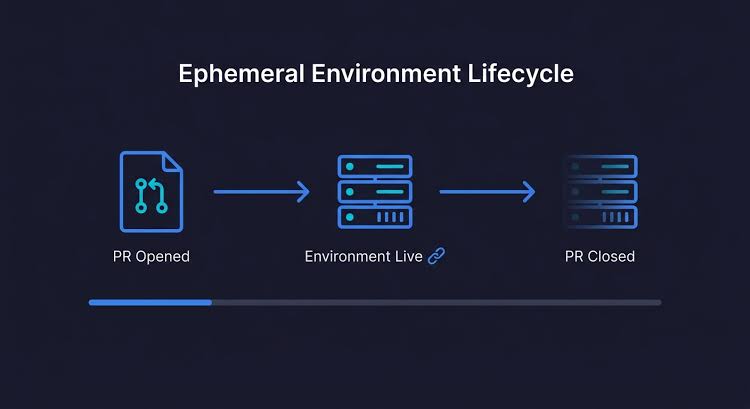
Managing Ephemeral vs. Persistent Build Environments on Cloud macOS

Cloud macOS hosting provides a flexible way to build, test, and release applications for Apple devices. A reliable CI/CD pipeline needs a suitable build environment to complete these tasks. The choice between temporary and long-running environments affects build speed, security, maintenance, and operating costs. Understanding Ephemeral vs. Persistent build environments helps DevOps teams select a setup that matches project requirements.…