
Machine learning is becoming an important part of modern iOS and macOS applications. Features such as image recognition, text classification, and object detection can run directly on Apple devices. However, a model trained with another machine learning framework may require conversion before integration into an Apple application. ML Model Conversion helps prepare trained models for Apple’s Core ML environment.
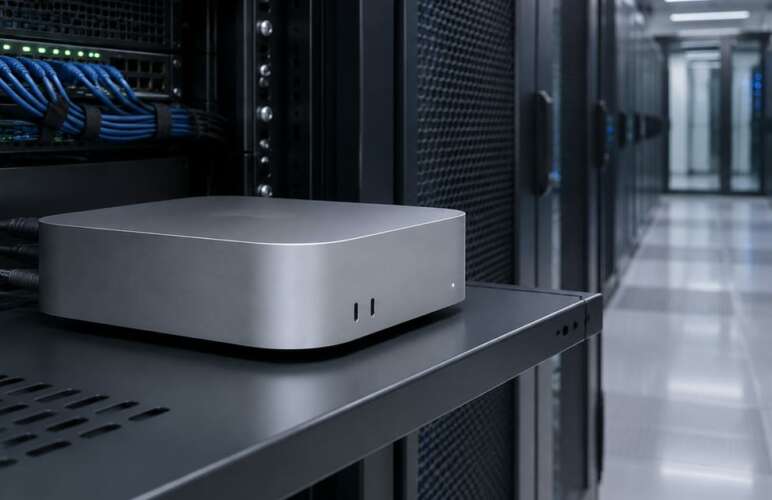
Cloud-based Mac hosting provides a practical workspace for preparing and testing machine learning models. Developers can access macOS tools without relying entirely on a personal Mac. This approach supports model preparation, performance checks, and application testing through a remote development environment.
Understanding ML Model Conversion
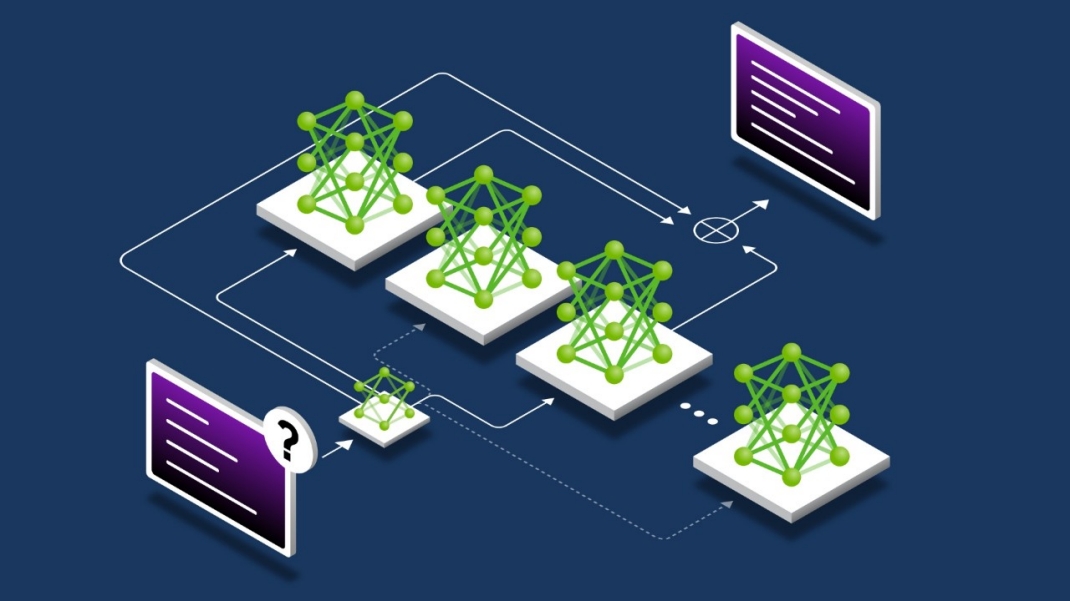
ML Model Conversion is the process of changing a trained machine learning model into a format supported by Apple’s Core ML framework. The process can use Core ML Tools to convert models developed with frameworks such as PyTorch and TensorFlow. The converted model can then be integrated into an iOS or macOS application.
The process involves more than changing a file format. Input shapes, data types, model operations, and deployment requirements must also be considered. An unsupported operation or incorrect input definition can cause conversion errors or unexpected predictions. ML Model Conversion also helps developers prepare trained models for integration into applications that use Apple’s machine learning tools.
ML Model Conversion provides a bridge between model training and Apple application development. A successful conversion creates a starting point for testing prediction accuracy and execution speed. However, successful conversion alone does not guarantee that a model will perform correctly inside a finished application.
Preparing Models Before Conversion
Good preparation helps reduce problems during conversion. The original model should be tested with representative input data before any changes are made. Expected outputs should also be recorded for later comparison.
ML Model Conversion works best when the source model has clear input and output definitions. An image model may require a specific image size and color format. A text model may depend on tokenization rules and consistent input processing. Incorrect preprocessing can reduce prediction quality even when the converted model loads successfully.
The development environment must support the selected framework versions. Python packages, model dependencies, and macOS compatibility should be checked before conversion begins. A consistent environment also makes repeated testing easier to manage. Careful preparation makes ML Model Conversion more reliable and reduces avoidable errors during model testing.
Converting Models for Apple Applications
During ML Model Conversion, Core ML Tools reads the source model and prepares a representation supported by the Core ML framework. Depending on the source framework, conversion may require defined input shapes or additional model settings.
Model format selection is another important decision. The appropriate format depends on the target operating system and the features required by the application. Deployment requirements should be reviewed before selecting the final format.
ML Model Conversion should preserve the intended behavior of the original model. Prediction results from the converted version must be compared with results from the source model using identical inputs. Differences may indicate unsupported operations, numerical changes, or incorrect preprocessing.
Developers should also review model size and resource requirements. A model that performs well on a development machine may consume too much memory or respond too slowly on a target device. Early testing helps identify these problems before application integration.
For technical guidance, Apple’s Core ML Tools model conversion documentation explains the conversion workflow and supported source frameworks.
Testing On-Device Inference in the Cloud
On-device inference occurs when a model processes input and produces predictions locally on an Apple device. This approach can reduce dependence on network access and help keep sensitive input data on the device. Core ML can use available CPU, GPU, and Neural Engine resources for supported operations.
ML Model Conversion prepares the model for this workflow, while inference testing checks its practical performance. Testing should include realistic inputs, repeated predictions, and different operating conditions. An image recognition model, for example, should be tested with different lighting conditions and image quality.
A cloud Mac provides a remote macOS environment for preparing application builds and running Apple development tools. ML Model Conversion can become part of a repeatable workflow that checks models before application integration. Remote access is useful for distributed development teams and researchers who need a consistent Apple development environment. ML Model Conversion can support a more organized testing process when every converted model follows the same validation steps.
Cloud-based testing still has limitations. A Mac test cannot represent every iPhone or iPad hardware configuration. Final validation should include supported target devices or suitable device-testing arrangements.
Measuring Accuracy and Performance
Performance testing should examine prediction time, memory usage, and output quality. A model that produces accurate results but responds too slowly may not suit an interactive application. Excessive memory usage can also affect application stability.
ML Model Conversion should be followed by comparisons between the original and converted models. A consistent test dataset makes these comparisons more reliable. Accuracy measurements should match the model’s purpose, such as classification accuracy or object detection quality.
Inference speed should be measured across repeated runs. Initial execution may include model loading or compilation overhead. Later predictions may behave differently after the model has been prepared for execution.
ML Model Conversion may involve precision settings and model optimizations that affect speed, file size, or accuracy. Each change should be tested rather than assuming a smaller model will always perform better. The most suitable configuration depends on application requirements and supported hardware. Regular ML Model Conversion testing helps confirm that performance improvements do not cause unacceptable changes in prediction accuracy.
Building a Repeatable Cloud Workflow
A repeatable process makes model updates easier to manage. The workflow can begin with a versioned source model and a documented set of test inputs. Conversion results can then be checked before the model moves into application development. Automated ML Model Conversion checks can save development time and make model updates easier to review.
ML Model Conversion becomes easier to maintain when package versions, conversion settings, and test results are recorded. These records help developers identify the cause of a failed build or an unexpected change in prediction quality.
A remote Mac can support this workflow through a consistent macOS environment and access to Apple development tools. The Mac build infrastructure guide explains the role of Mac-based build environments in Apple application development.
ML Model Conversion workflows should also include suitable access permissions, storage management, and backup procedures. Model files and test datasets may contain valuable intellectual property or sensitive information. Secure access and controlled file handling help reduce avoidable risks.
Common Problems and Practical Solutions
Conversion errors may occur when a source model contains unsupported operations or incompatible settings. Reviewing framework compatibility and model requirements can help identify the cause. Input mismatches should also be checked before investigating more complex problems.
ML Model Conversion may produce predictions that differ slightly from the original model because of numerical precision or execution differences. Testing identical inputs helps separate expected numerical changes from genuine errors.
Poor inference speed may result from a large model, unnecessary processing, or unsuitable input dimensions. Testing alternative supported configurations can reveal a better balance between speed and accuracy. The final choice should reflect actual application requirements rather than benchmark results alone.
ML Model Conversion should include validation after important model updates. This step helps identify changes in prediction quality before a new model reaches an application release.
Conclusion
Successful machine learning deployment requires careful preparation, reliable conversion, and meaningful inference testing. ML Model Conversion connects trained models with Apple’s application environment, while cloud-based Mac hosting provides a practical space for development and repeated checks.
A structured workflow supports better accuracy checks, clearer performance measurements, and more reliable model updates. ML Model Conversion can help developers prepare machine learning features for real-world iOS and macOS applications when conversion, testing, and deployment requirements are handled carefully.